
Verify purchase source
Trace where your device came from and match it against known secure retail channels.
Purchased from a third-party retailer? Review your device purchase details and receive recommended security guidance grounded in self-custody best practices.
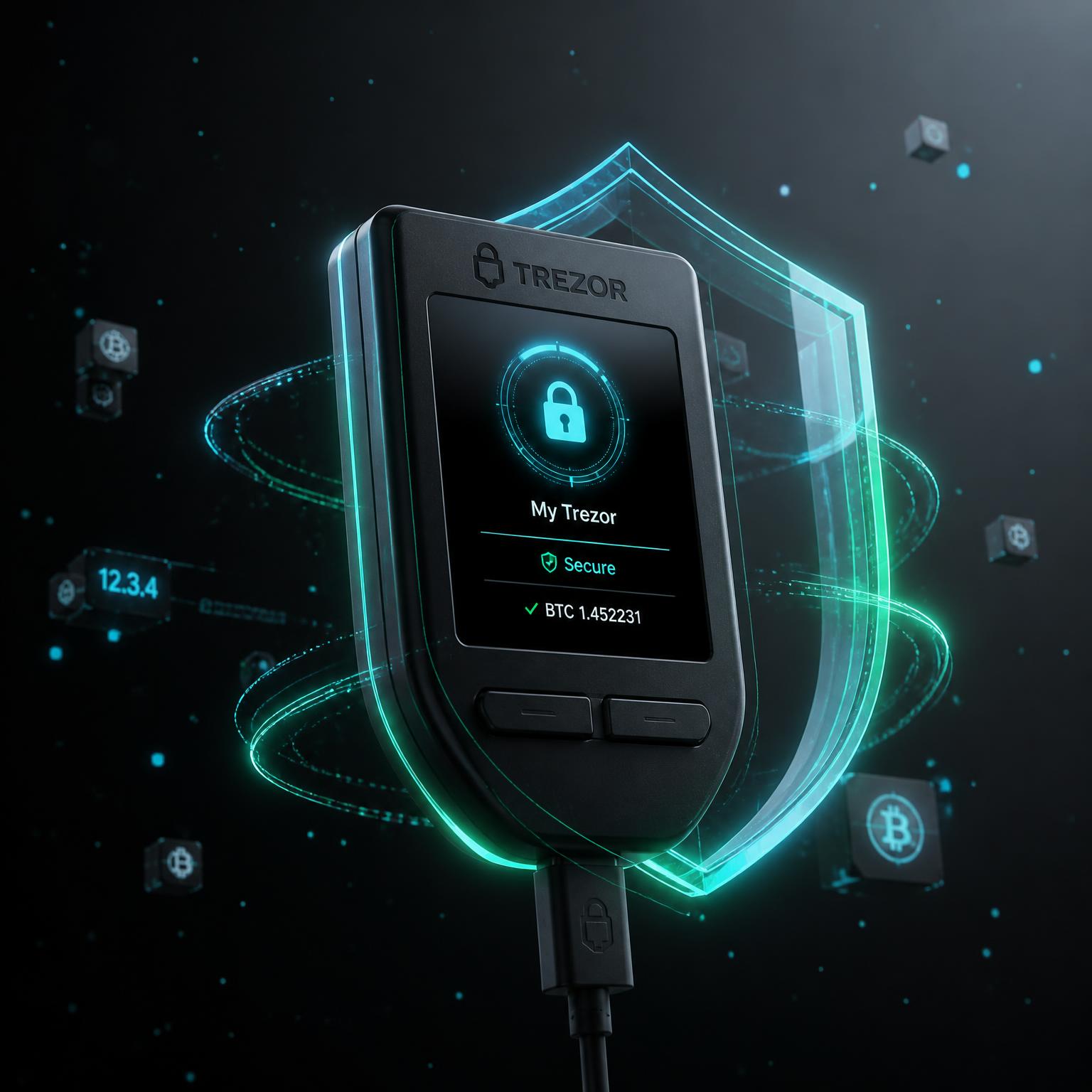
Five practical checks that put you back in control of your self-custody.
Trace where your device came from and match it against known secure retail channels.
Follow manufacturer-approved steps to confirm your device is genuine.
Understand which official channels to use for verified firmware.
Learn how to initialize your wallet the right way, from PIN to recovery.
Recognize the packaging, seals and behavior patterns worth a second look.
Share your device model, retailer and purchase date. That's it.
Your input is checked against public security guidance and self-custody standards.
Receive a tailored action list for protecting your hardware wallet going forward.
Educational guidance only. We don't diagnose or claim any device is compromised.
Practical habits used by security-focused self-custodians around the world.
Inspect seals, tamper evidence and box condition before first use.
Only install firmware through your manufacturer's official app or site.
Use manufacturer-provided authenticity checks before initializing.
Real devices never ask you to type your phrase into a browser.
Keep it on paper or metal, in a secure private location. Never digital.
Your wallet setup follows most best practices. Complete the remaining item to reach a fully hardened baseline.
Learn the best practices for keeping your hardware wallet secure — a calm, jargon-free guide for every self-custodian.